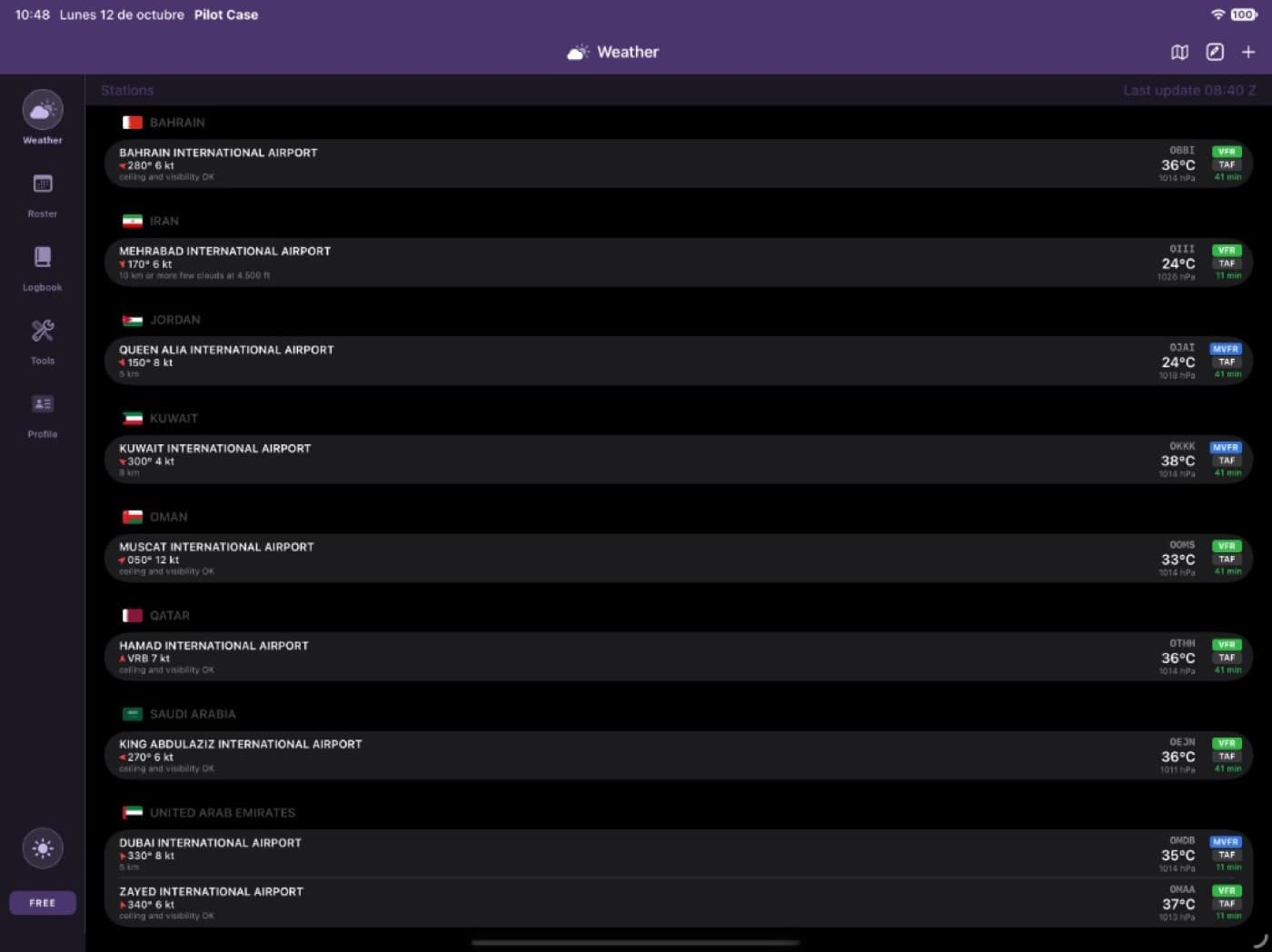
Meteo
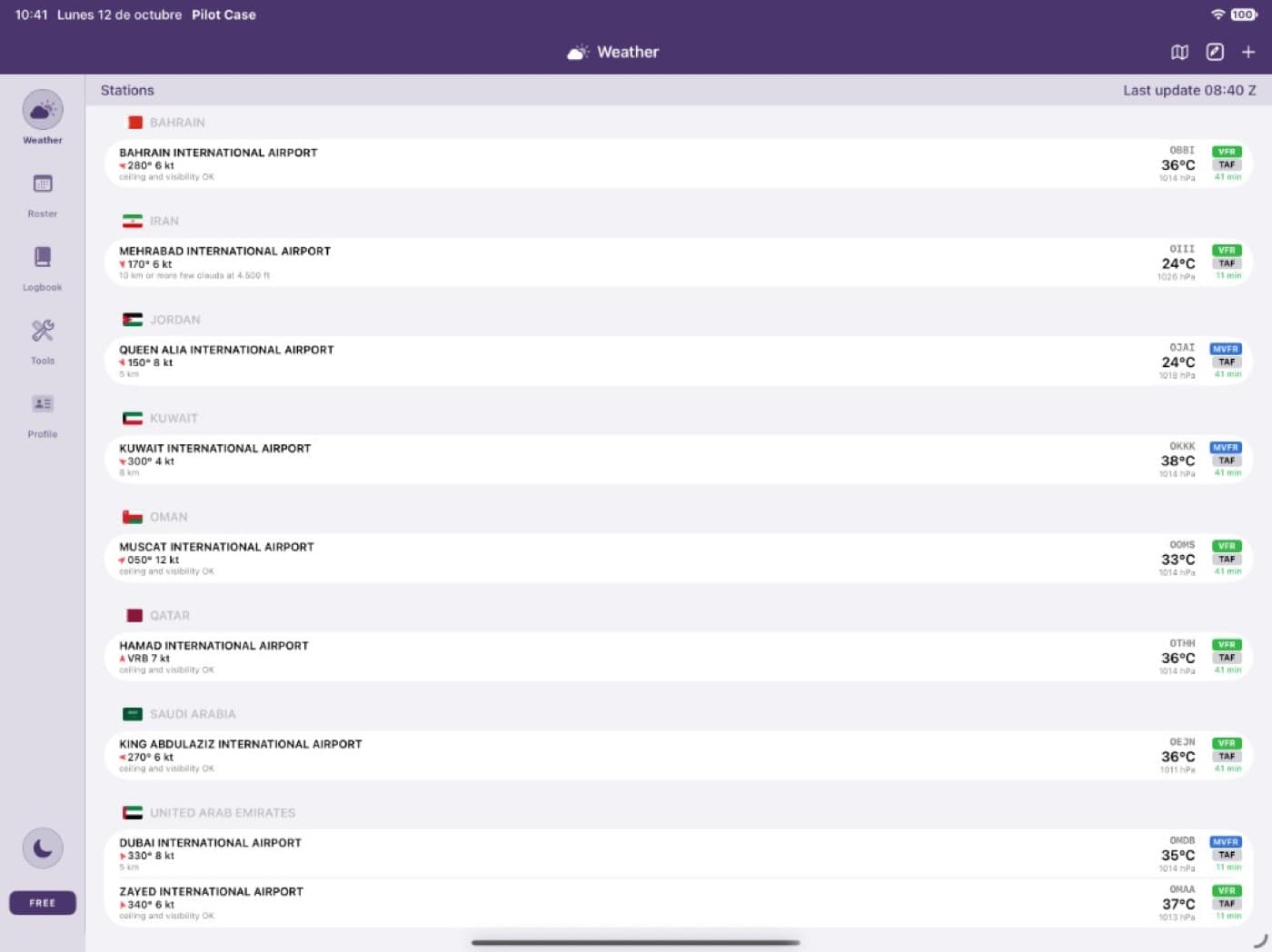
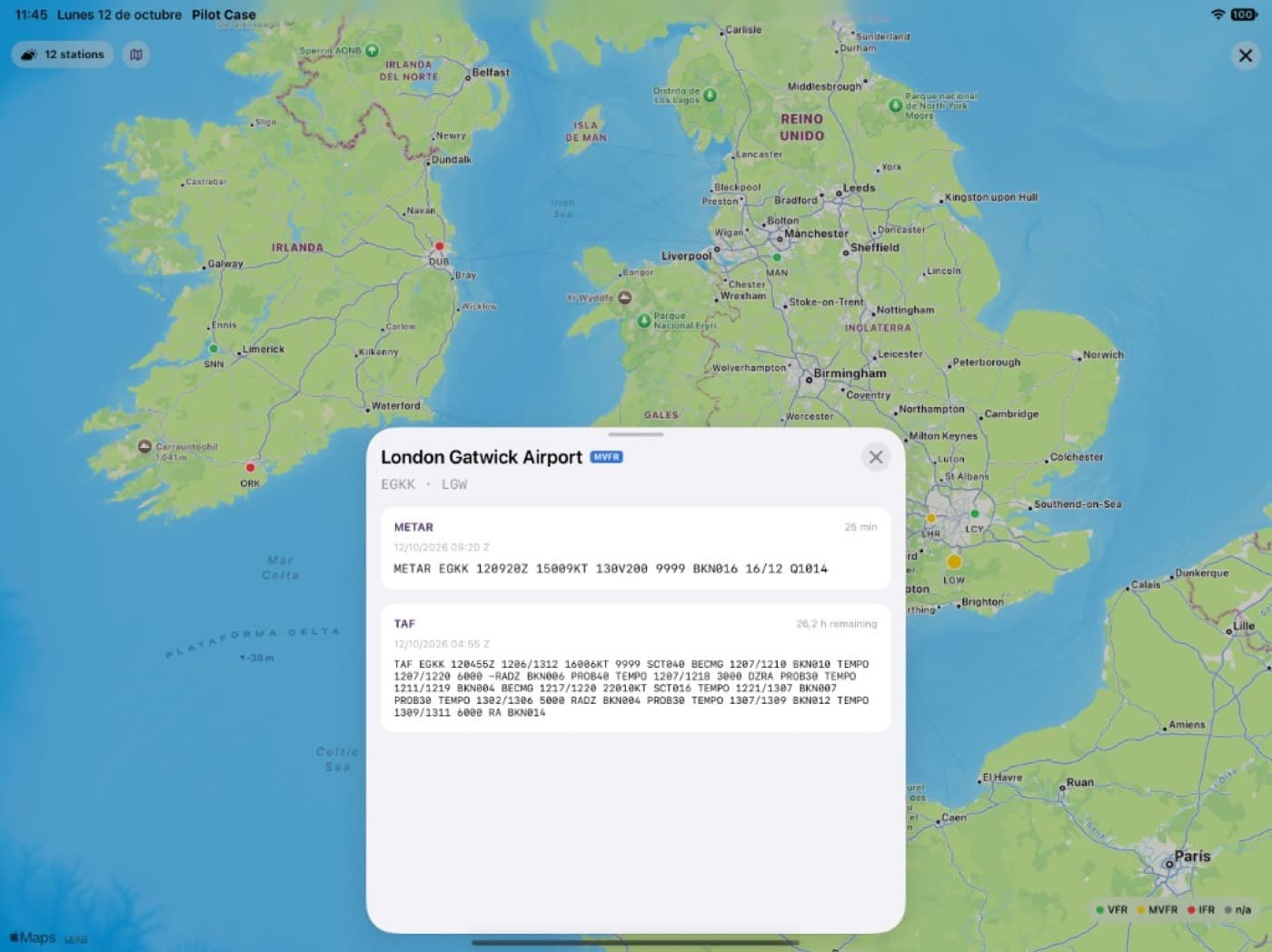
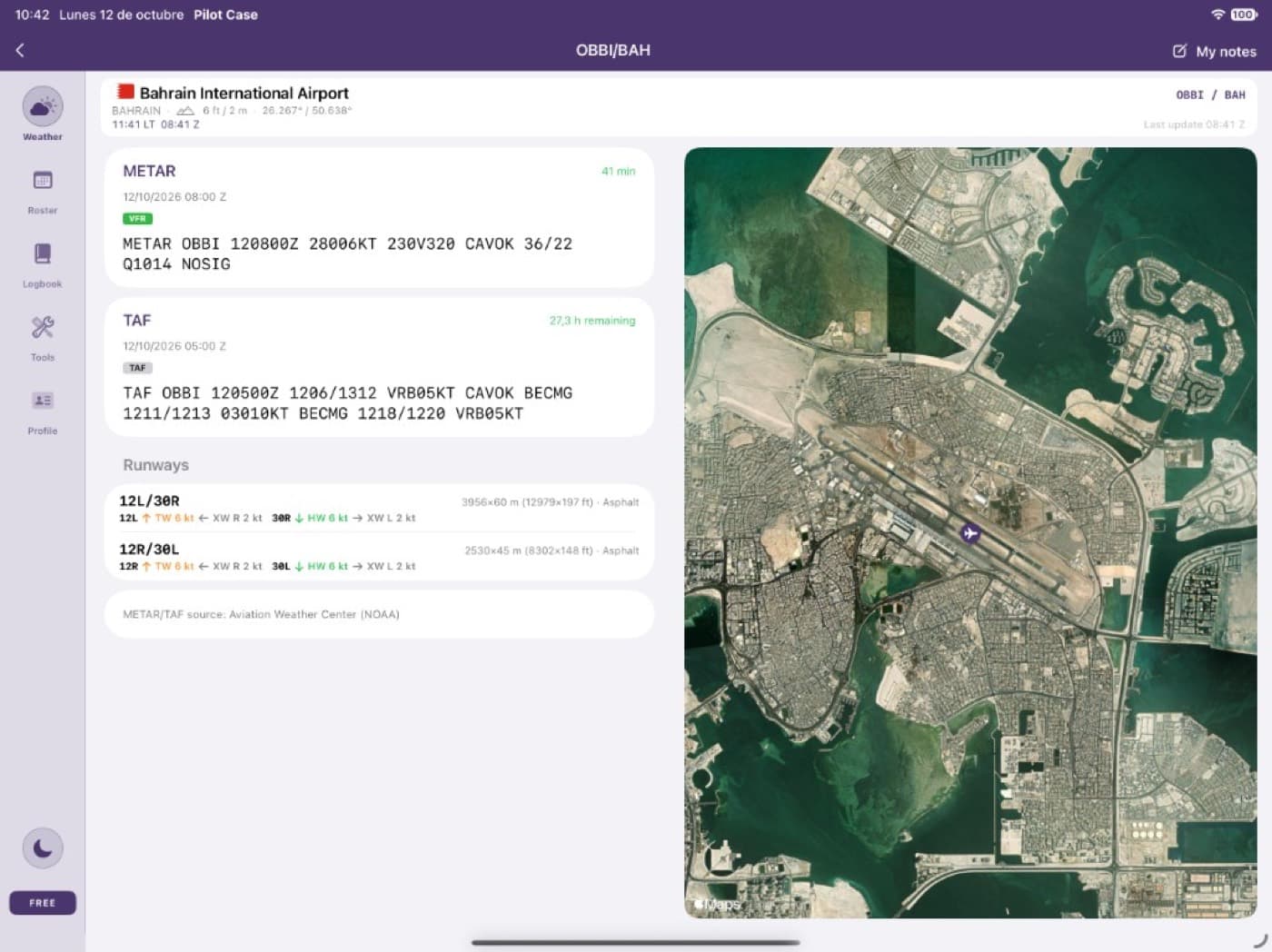
METAR, TAF and the wind on each runway
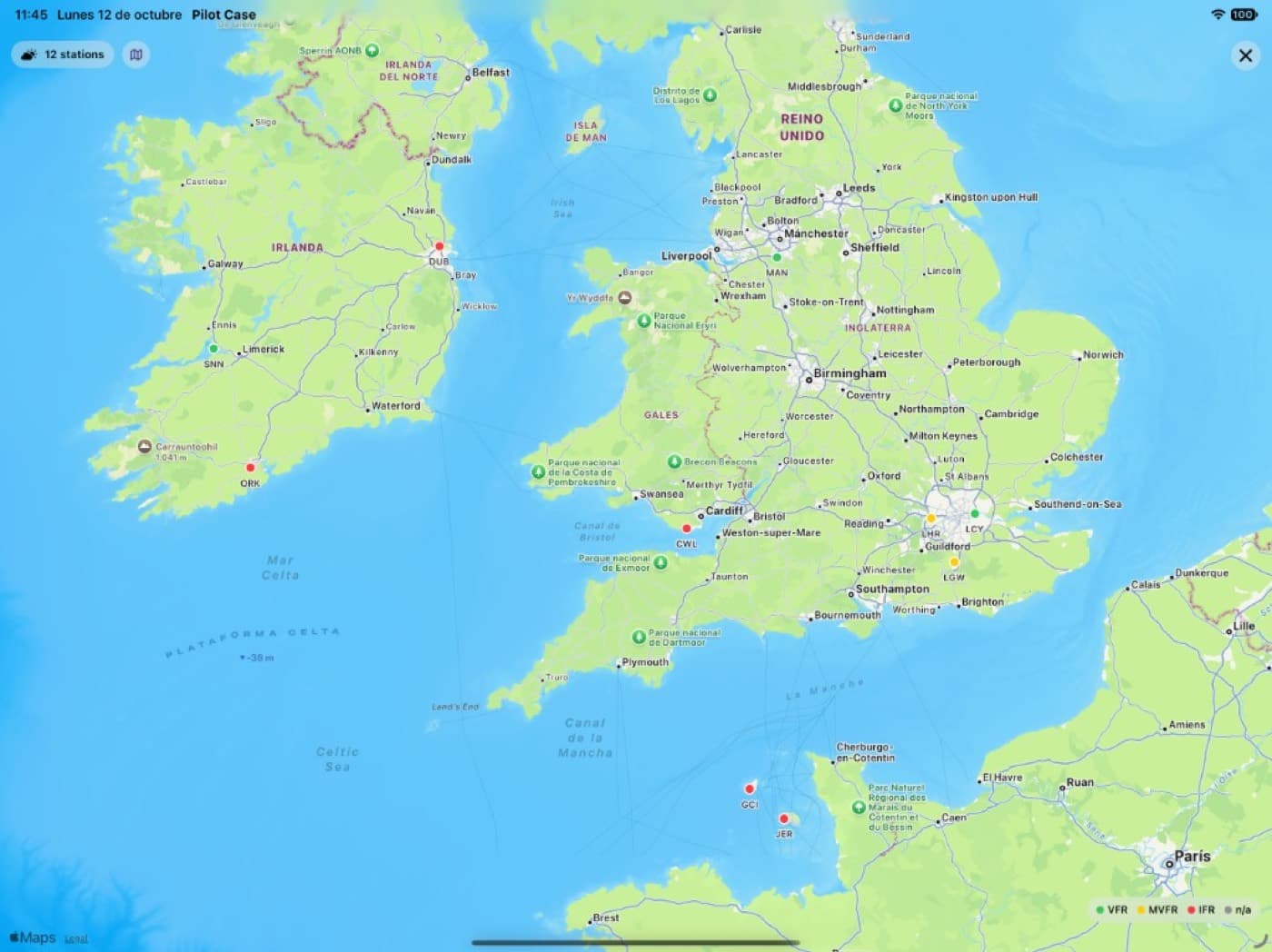
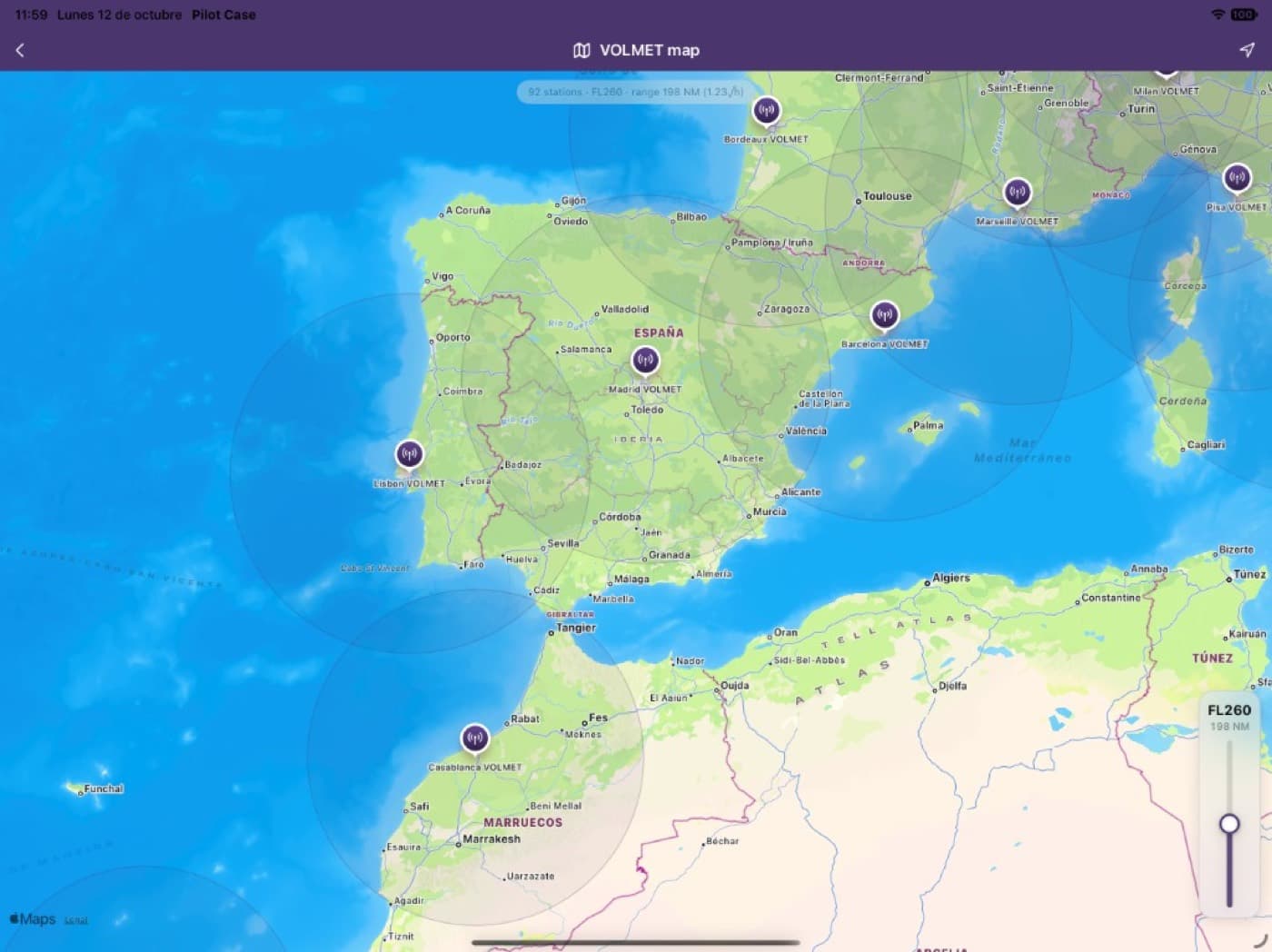
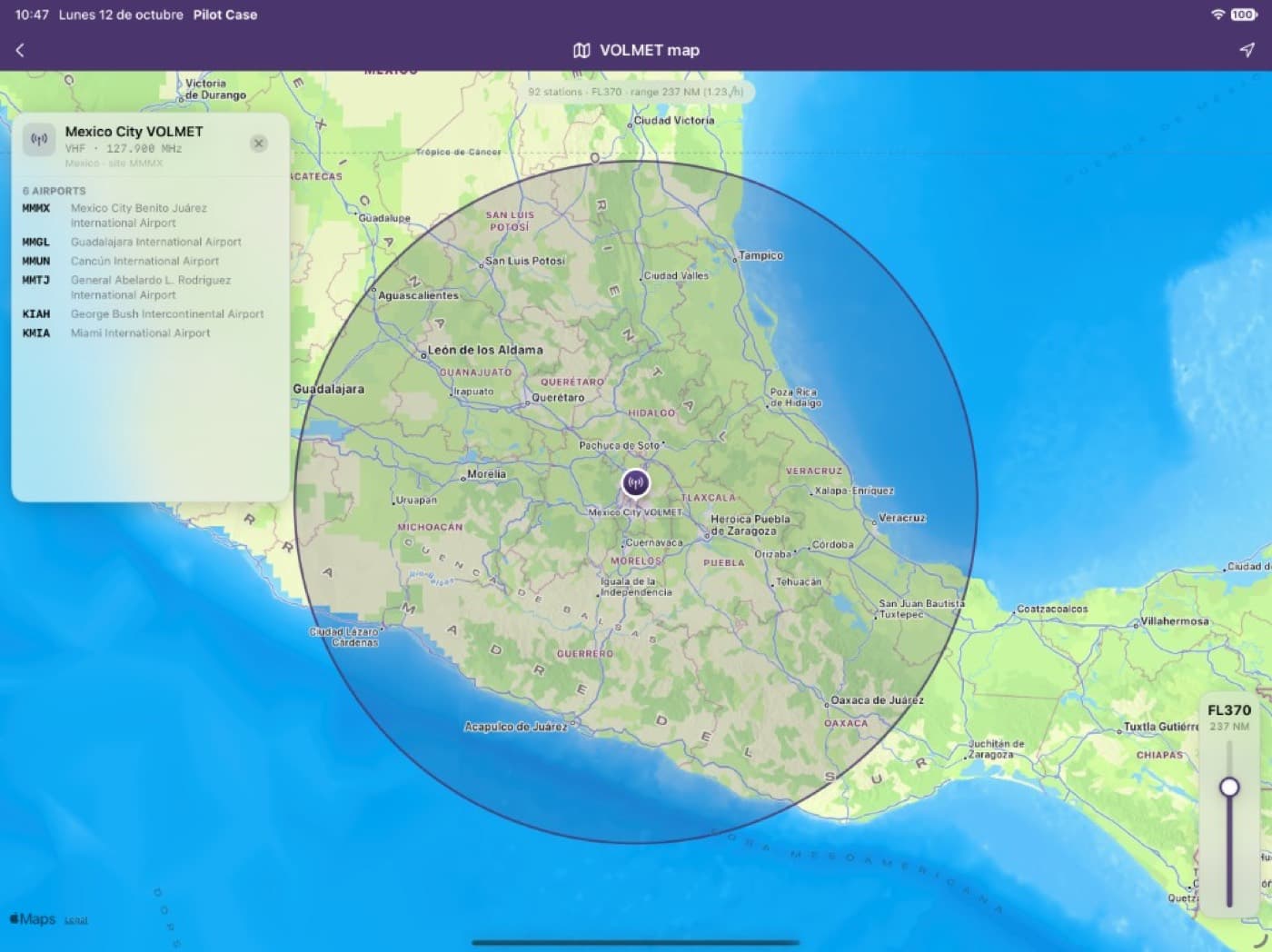
Read the reports, then see the weather for the airports you follow on one map.
- METAR and TAF
- Wind components for every runway
- Map of conditions at your favorite airports

For professional and student pilots
Weather, roster, logbook and the tools around a duty. The same account on iPhone, iPad and pilotcase.app.
By creating an account you agree to the Terms of Use and the Privacy Policy. Terms of Use · Privacy Policy
| Date | From | To | Aircraft | Time | Ldgs |
|---|---|---|---|---|---|
| 12 Mar | LEMD | LEBL | A320 | 1:15 | 1 |
| 12 Mar | LEBL | LEMD | A320 | 1:20 | 1 |
| 14 Mar | LEMD | GCLP | A321 | 2:45 | 1 |
| 18 Mar | LEMD | LFPG | A320 | 2:05 | 1 |
Block time
7:25
Flights
4
Weather, roster, logbook and reference tools. None of this replaces your operator’s approved briefing or official sources.
Meteo
Read the reports, then see the weather for the airports you follow on one map.
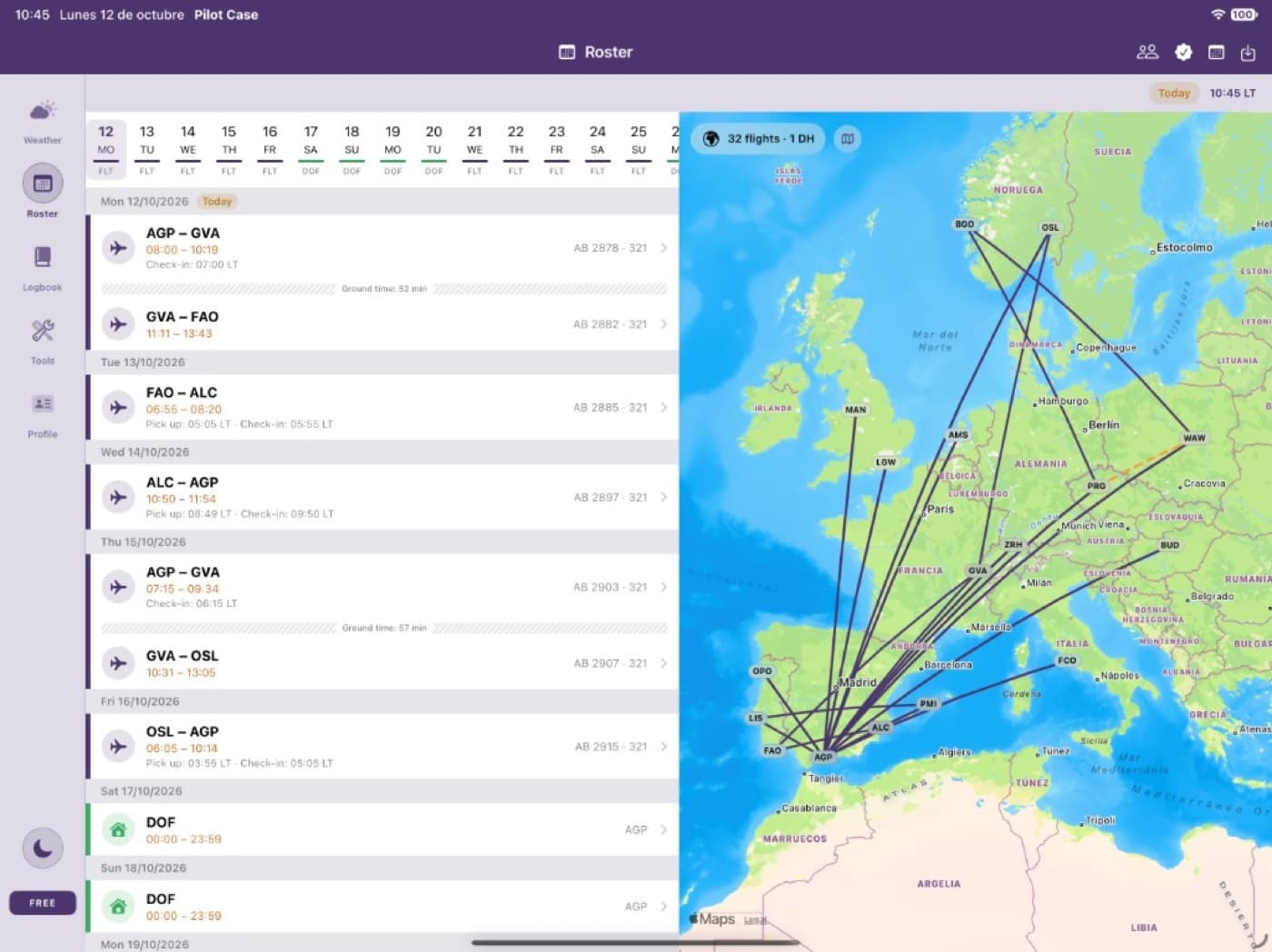
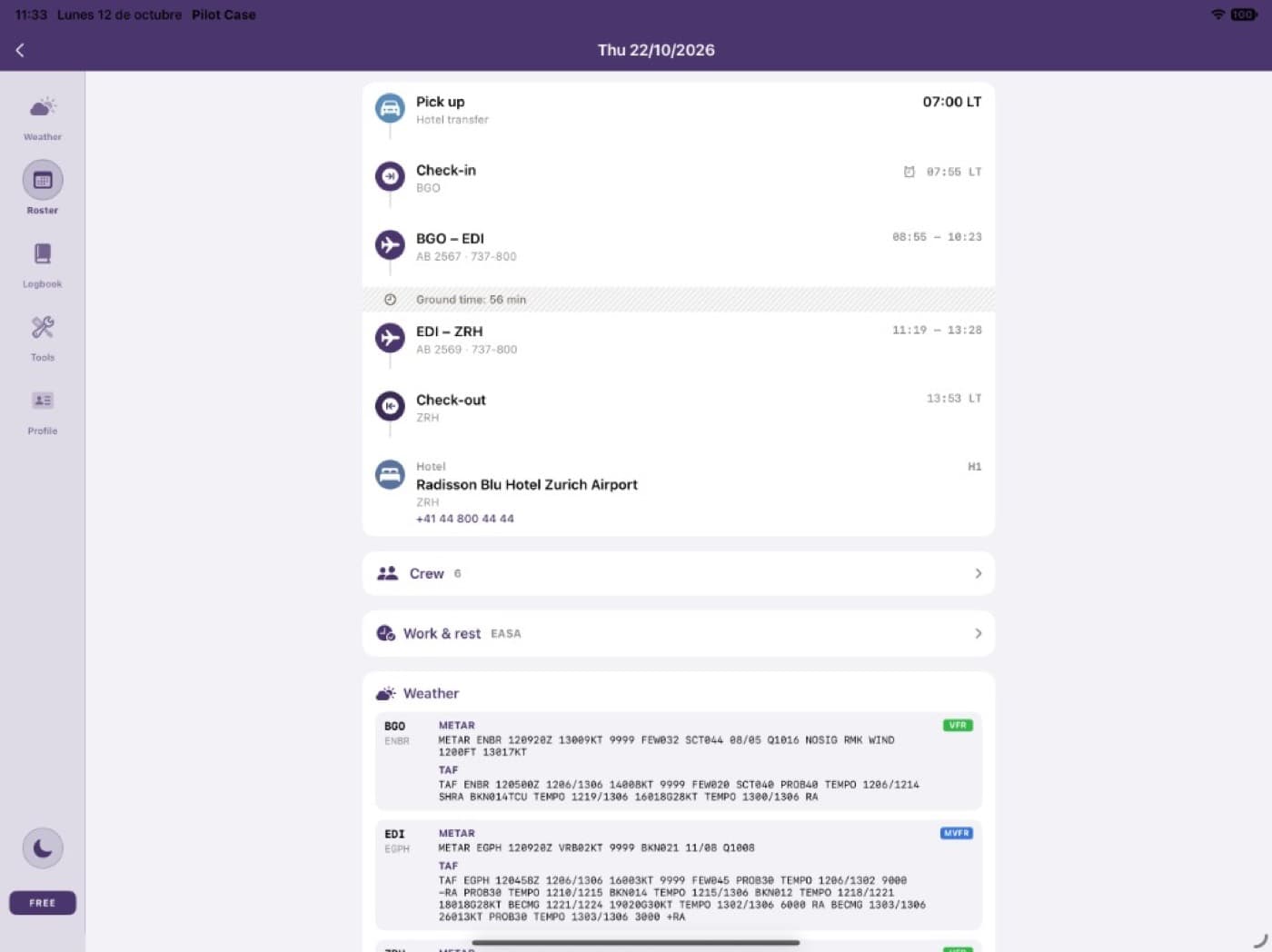
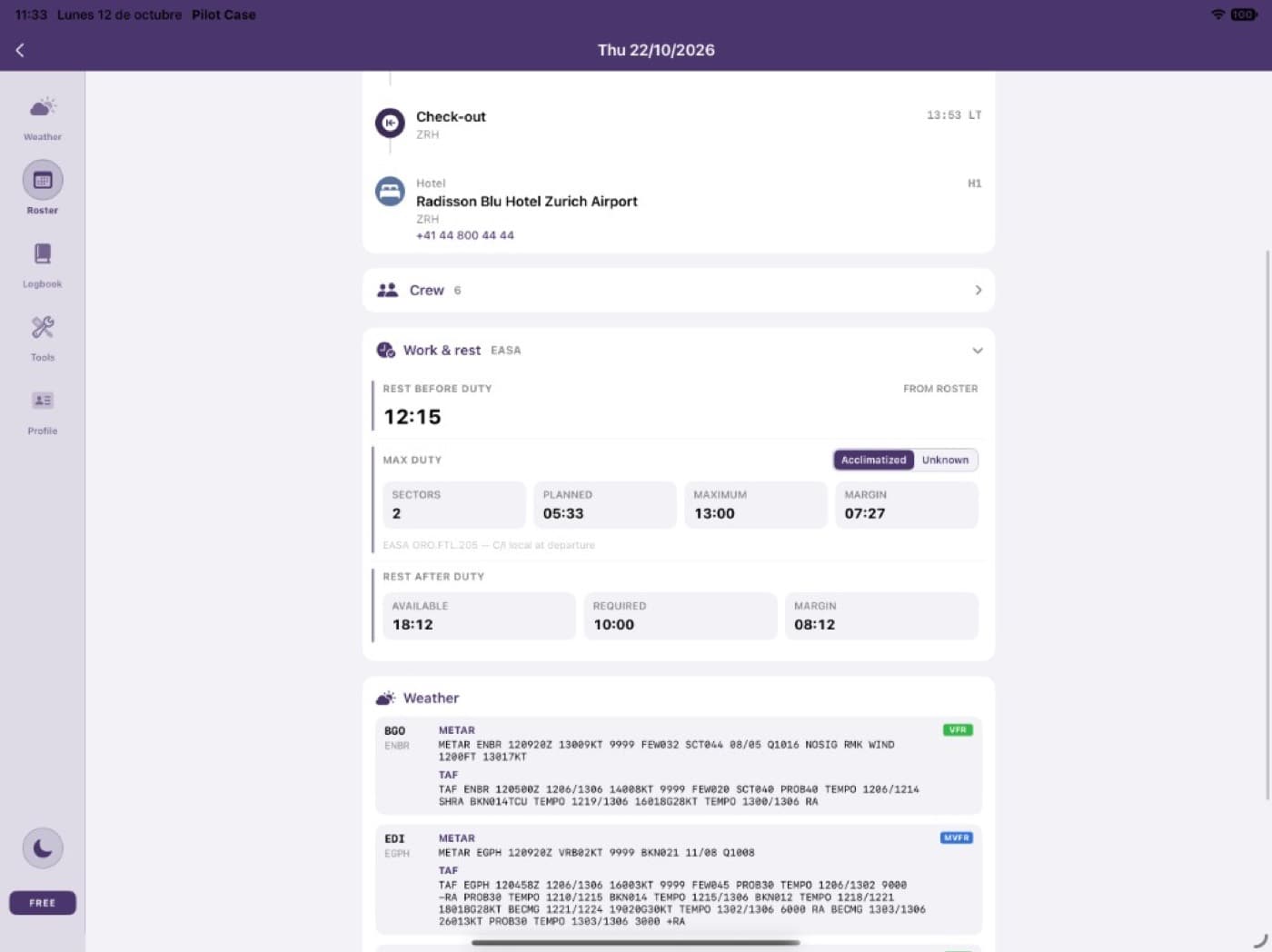
Roster
Bring the roster in from the system you already use, then check it, share it and swap duties.
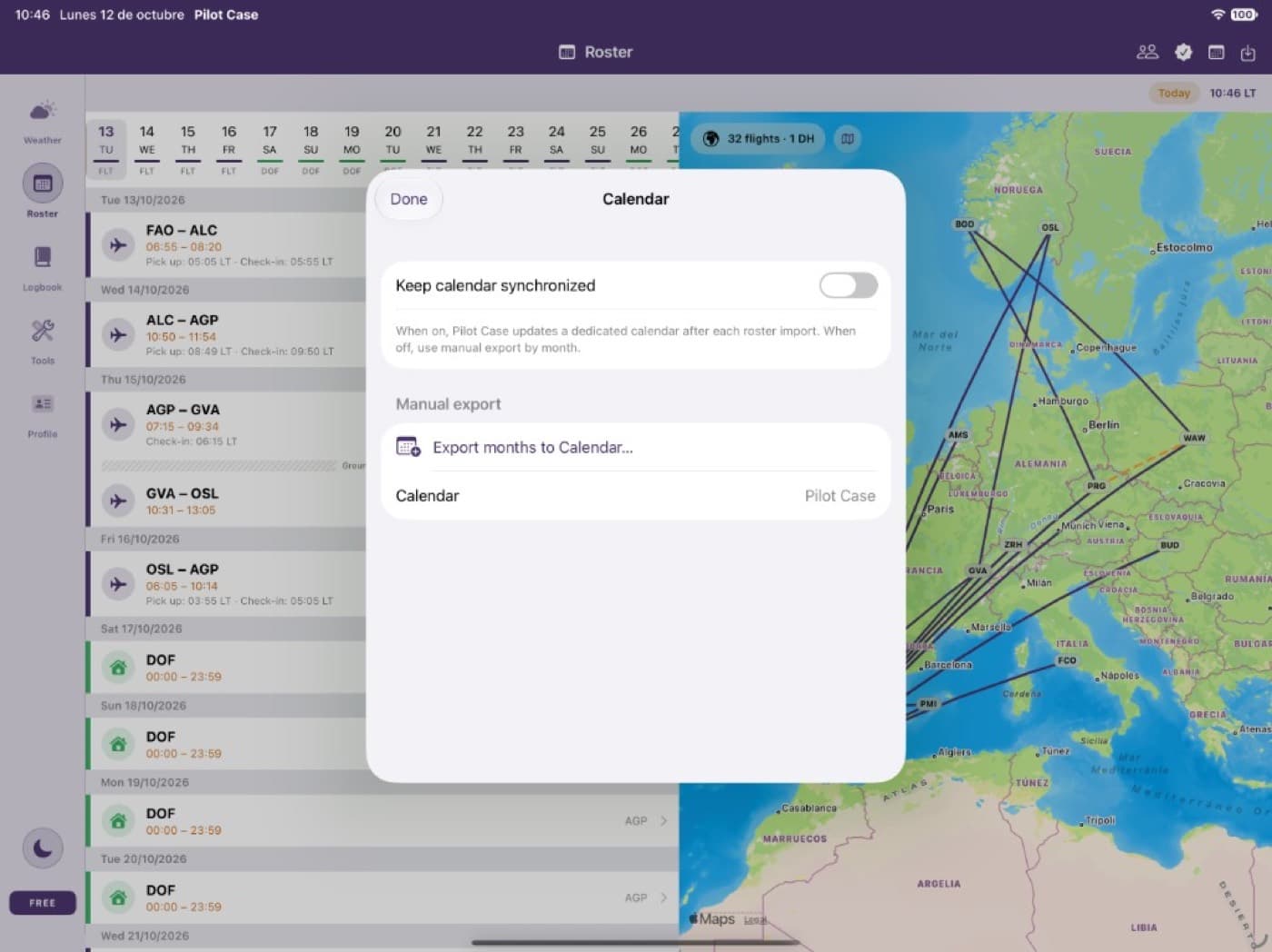
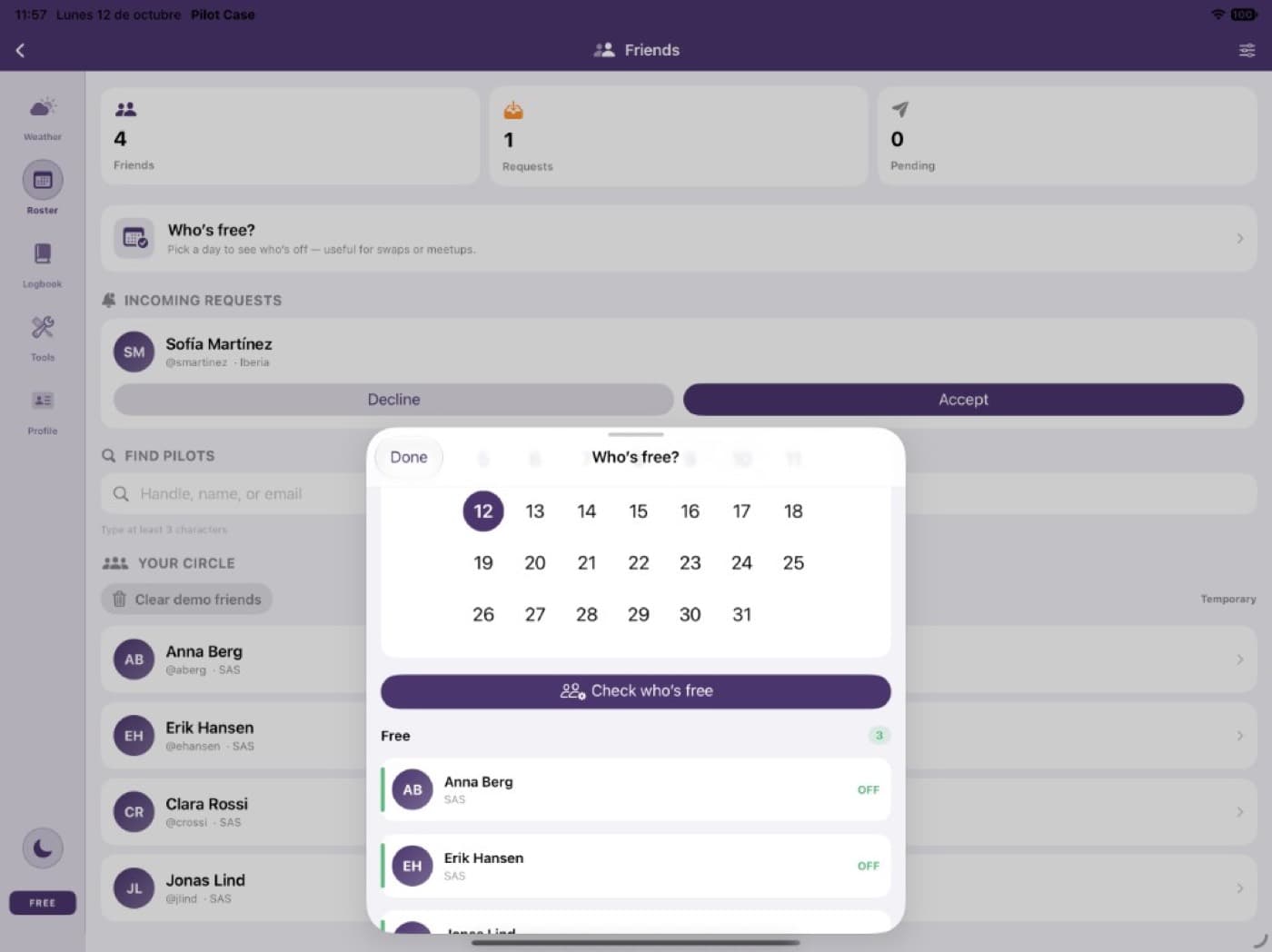
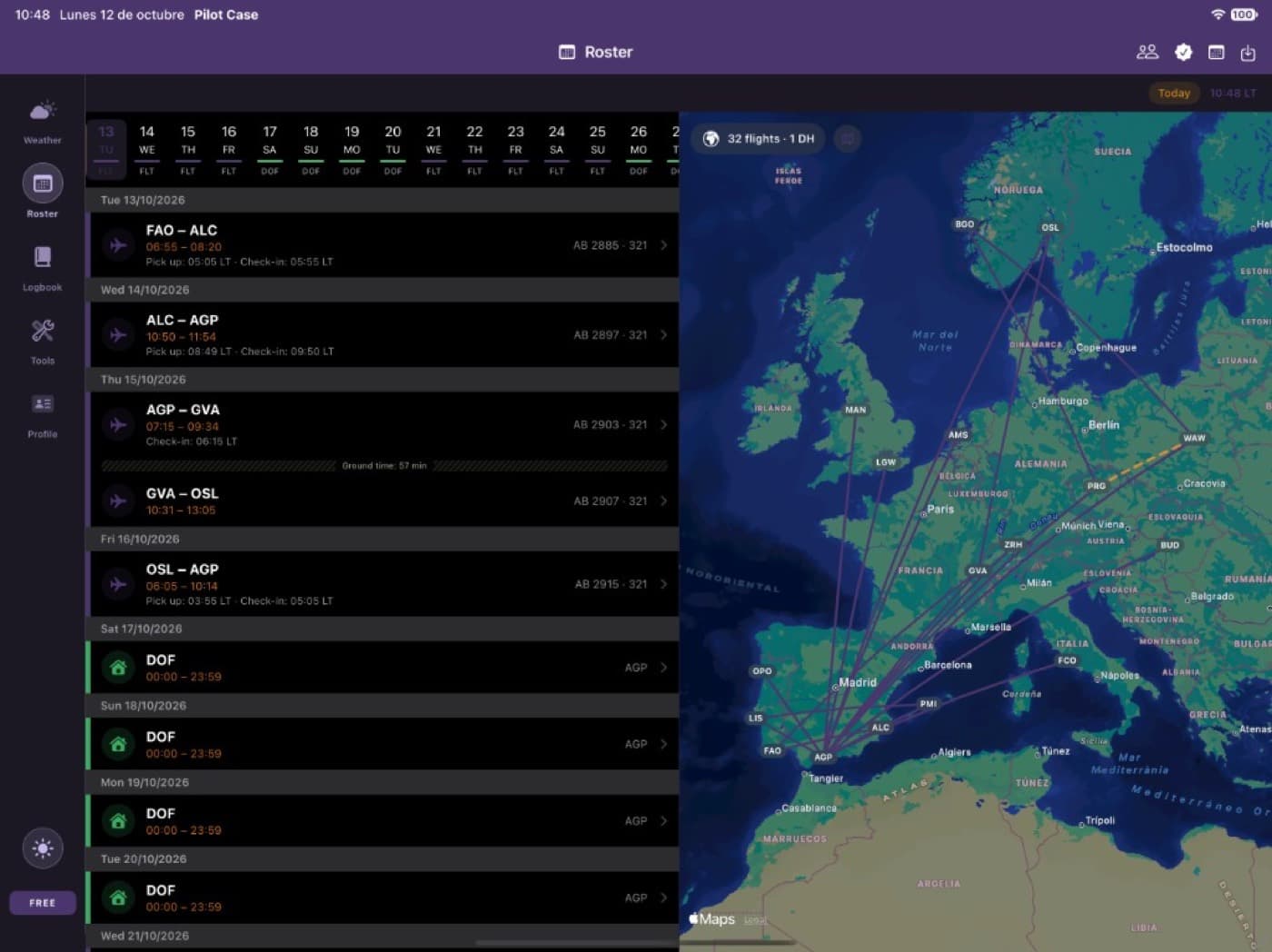
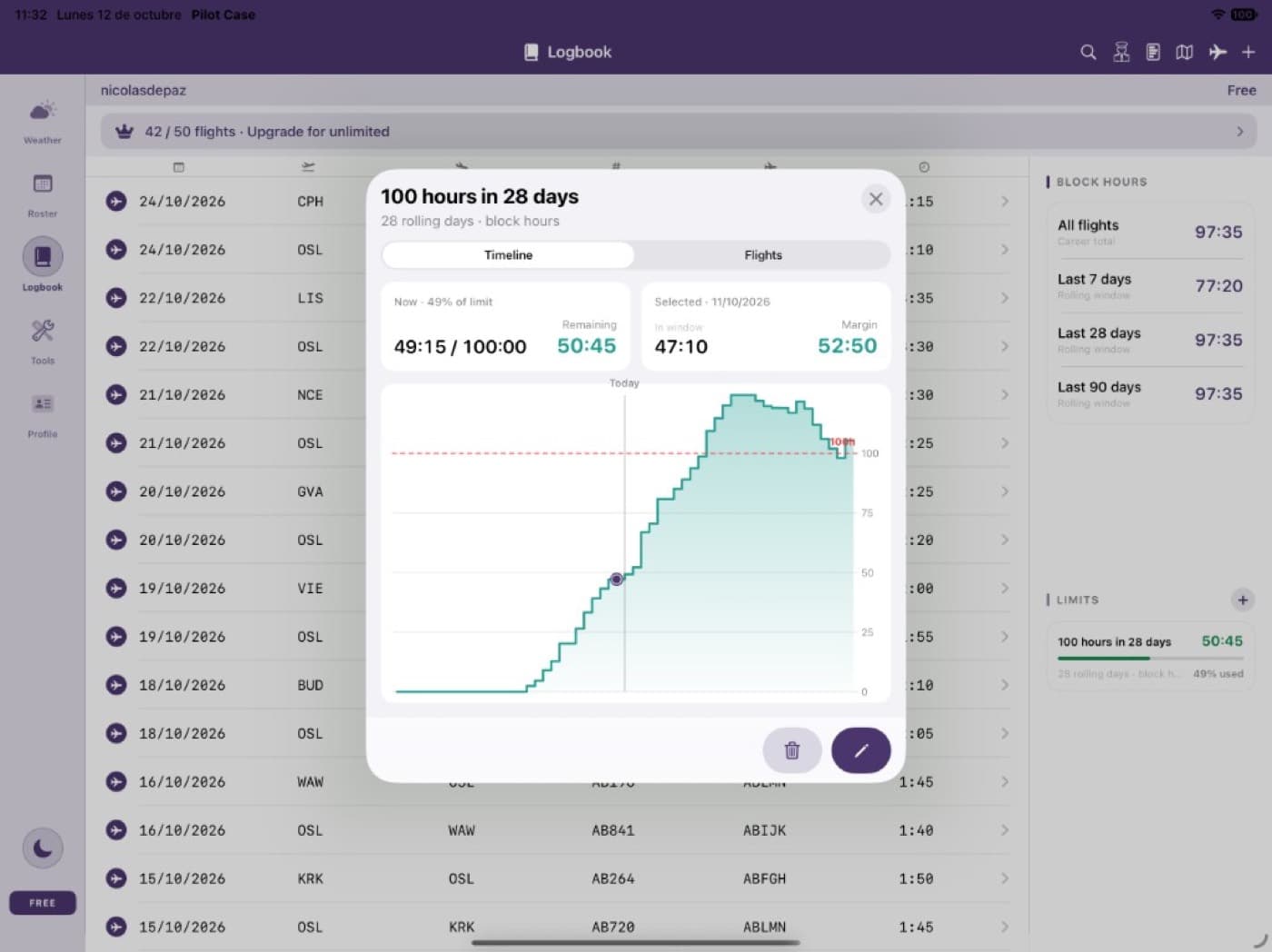
Logbook
Move another digital book in, keep pilots and aircraft in order, and generate the documents you are asked for.
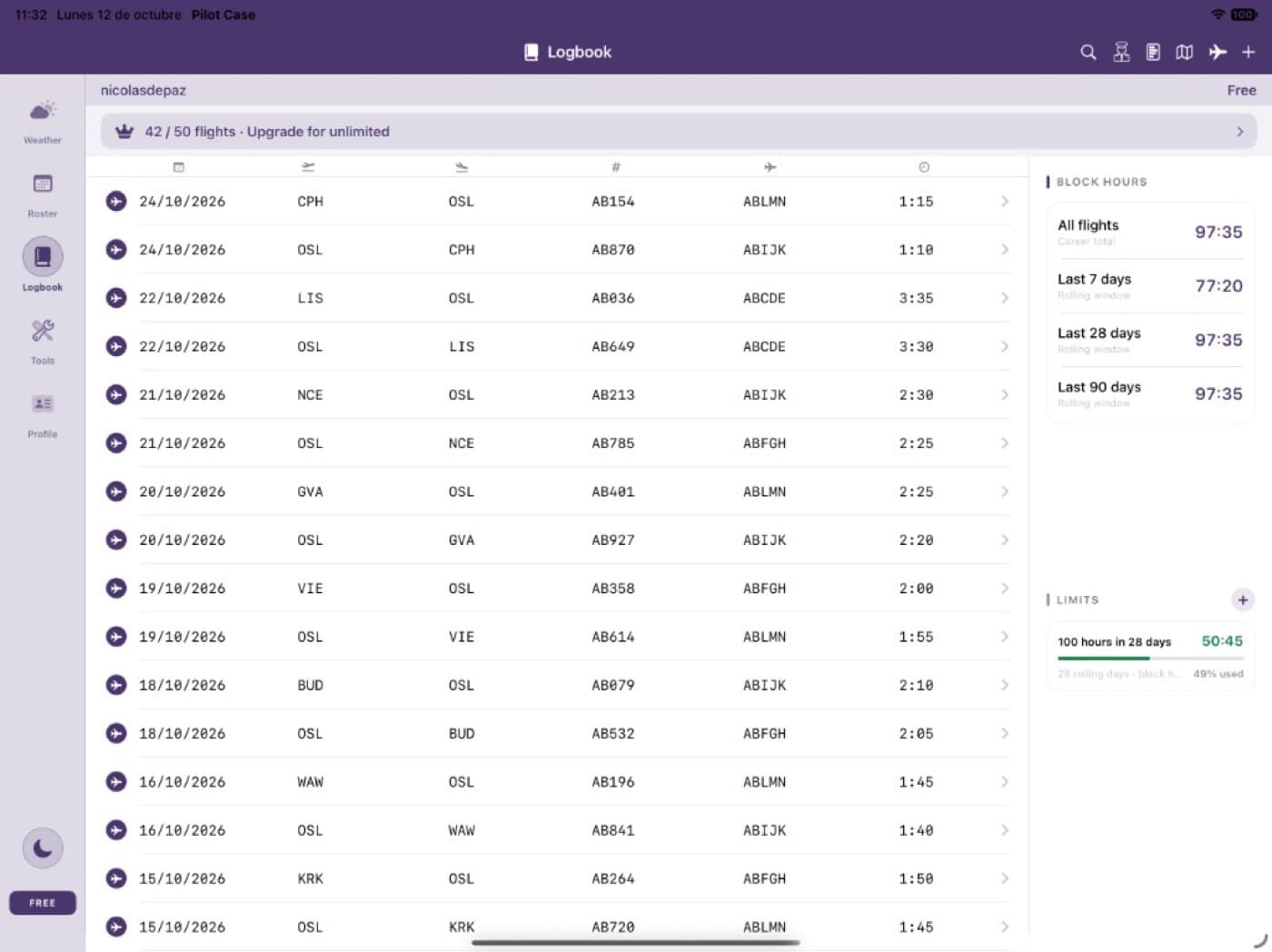
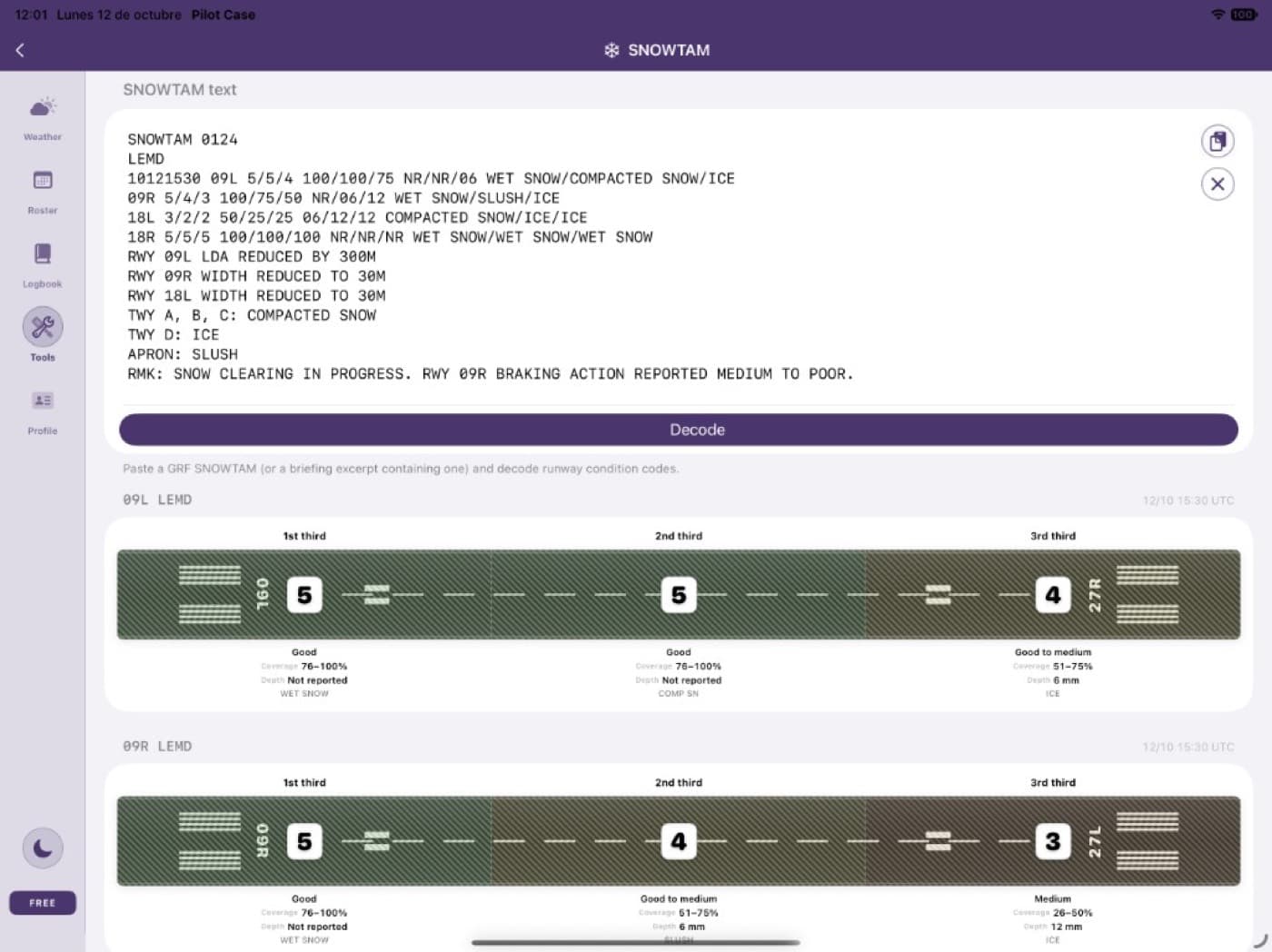
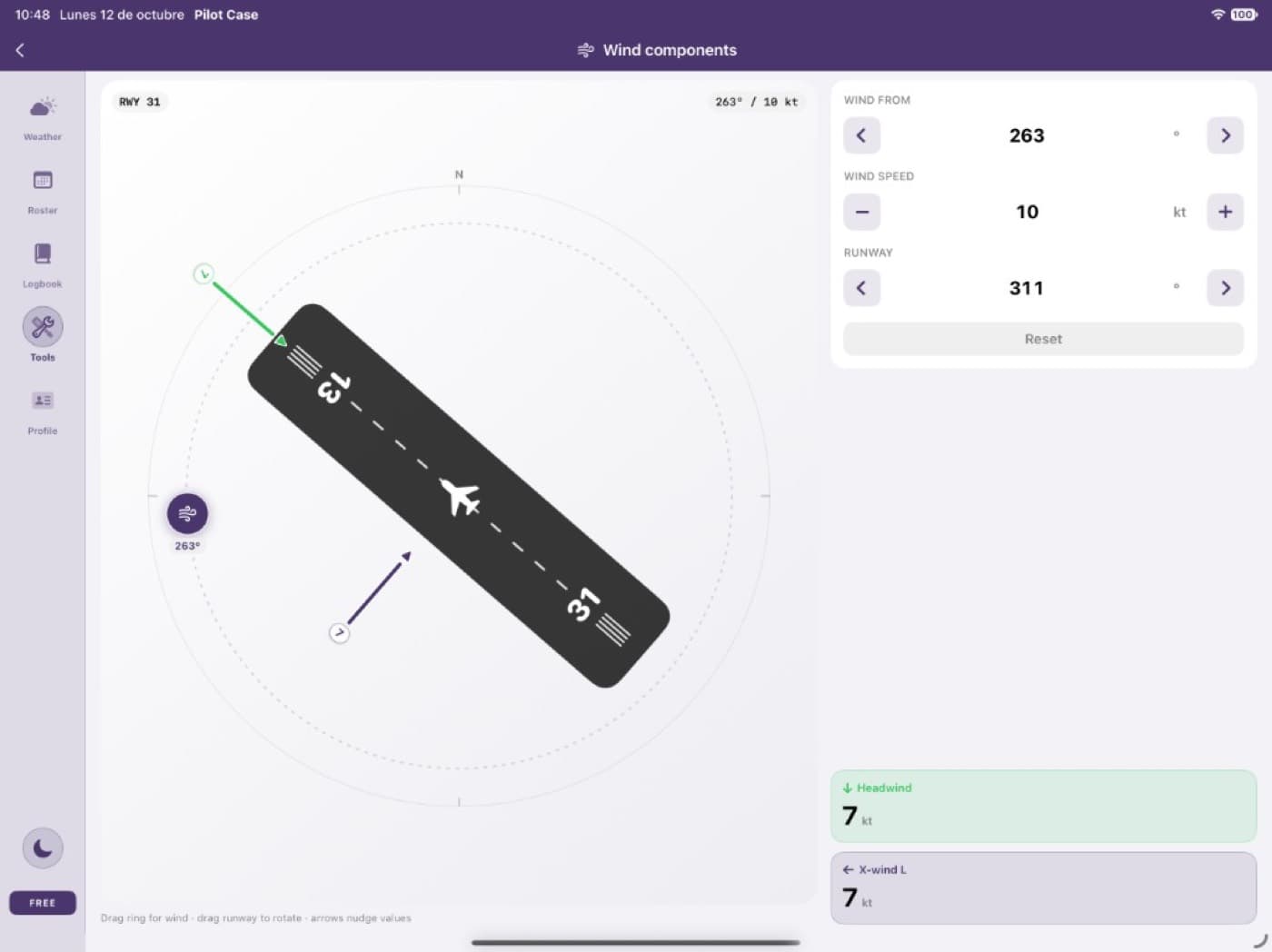
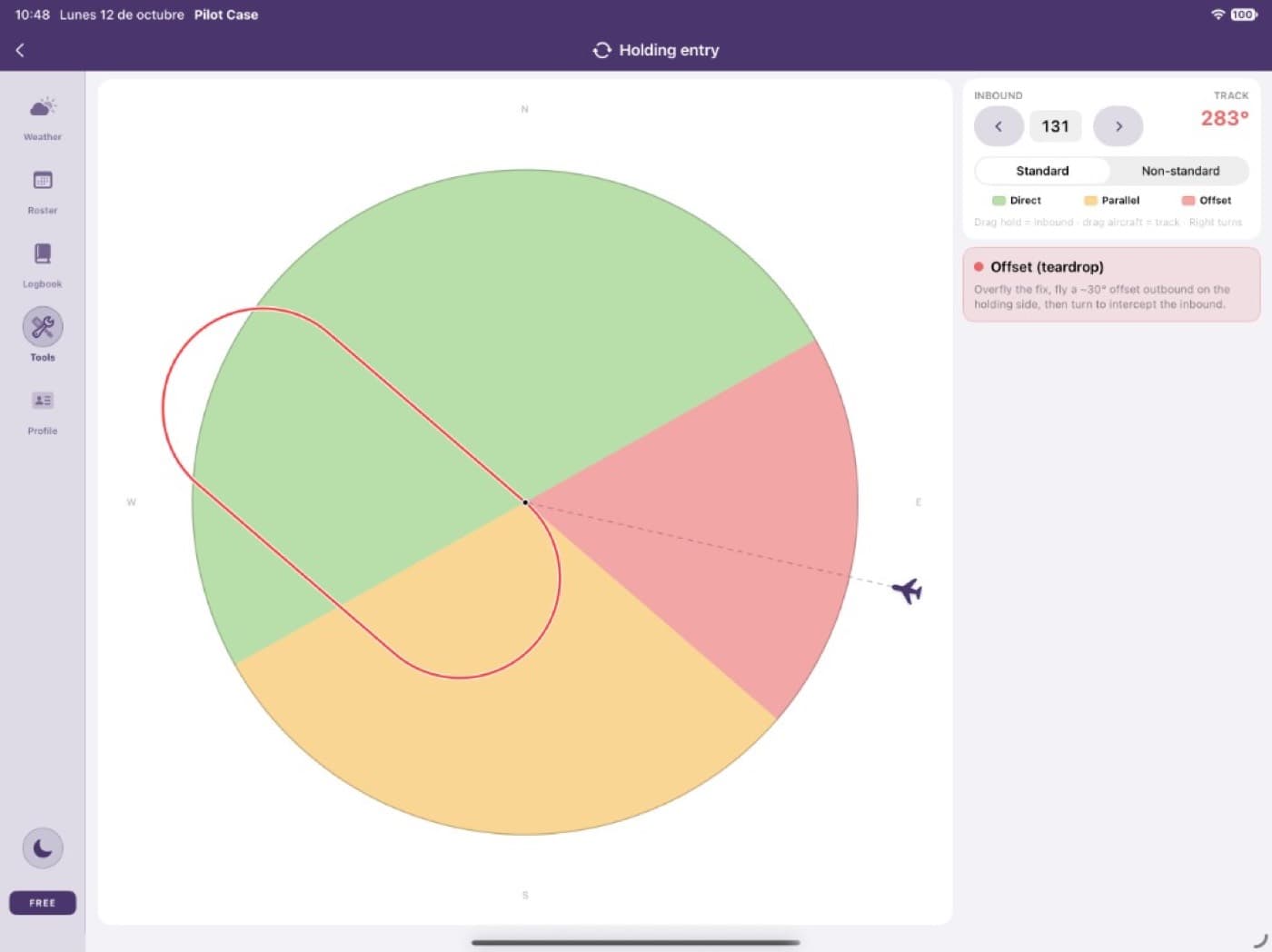
Tools
Decoders and calculators, next to the weather and the logbook.
Pricing
The website does not charge you. Pro is an auto-renewable subscription sold by Apple inside Pilot Case.
€0
No card required
€2.19/ month
or €21.99 / year
Billed by Apple on your Apple ID
€2.19/month or €21.99/year. The App Store shows the price for your storefront. Payment is charged to your Apple ID and renews unless you cancel at least 24 hours before the period ends, in Settings → Apple ID → Subscriptions. Deleting your Pilot Case account does not cancel the Apple subscription. Terms of Use · Privacy Policy
No. It is a personal logbook and reference tool. Weather, roster and totals are not a substitute for your operator’s approved briefing, airline systems or official sources.
Open Pilot Case on iPhone or iPad, go to Account and choose LogUp Pro. Billing, renewal and refunds are handled by Apple. The website never charges a separate fee.
Yes. One Pilot Case account works on iPhone, iPad and pilotcase.app. Sign in with Apple or with email.
Cancel in Settings → Apple ID → Subscriptions, or from the subscription screen in the app. Cancel at least 24 hours before renewal. Deleting the account does not cancel the Apple subscription.
In the Pilot Case app, open Profile. In the Account section, tap the trash icon (Delete account) and confirm. You do not need to send an email. If you no longer have the app, write to info@pilotcase.app from the account email.
Create a free account, then open the same book in Pilot Case on iPhone or iPad.